
Expert Tips for Setting Up Your Mobile Golf Simulator Rental


Choosing the Right Location
Finding the perfect spot for your mobile golf simulator rental is crucial. Consider areas with high foot traffic, such as shopping malls, event venues, or corporate spaces. The location should be easily accessible and spacious enough to accommodate the simulator and players comfortably.
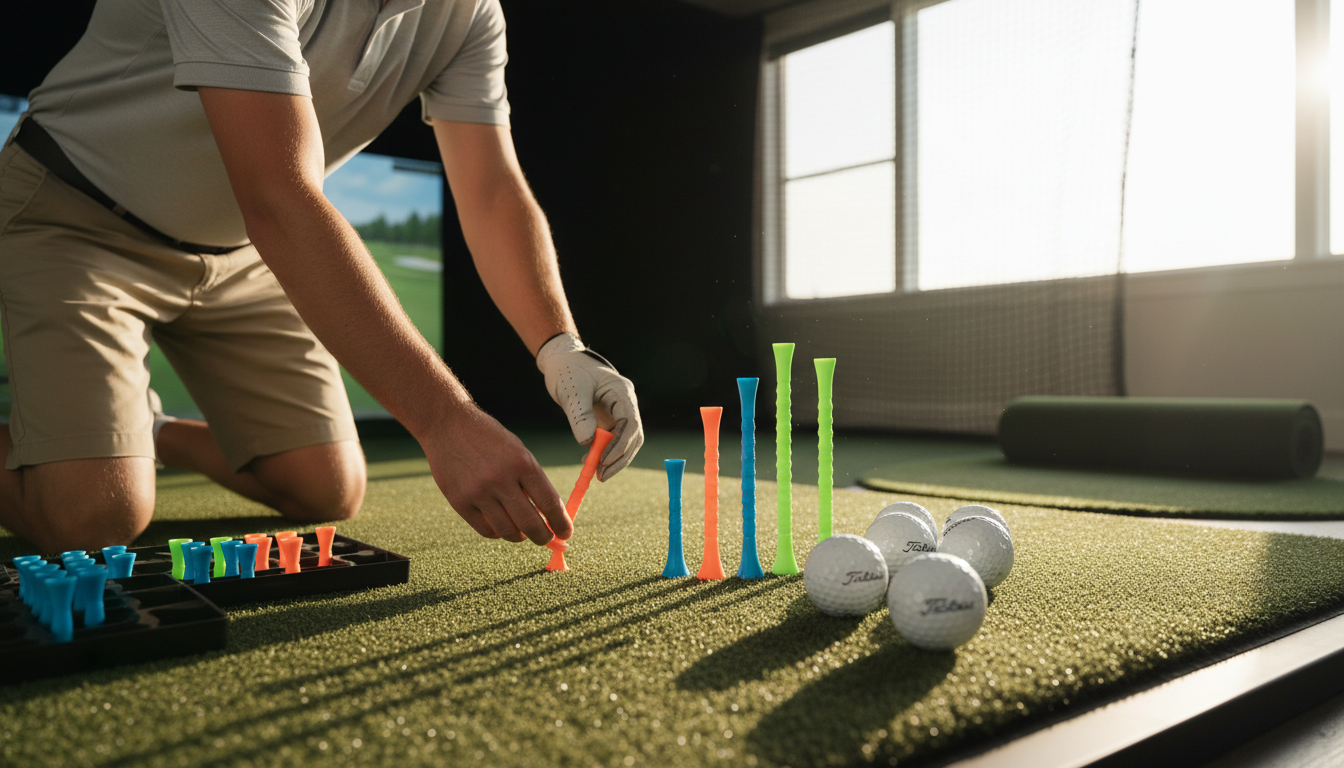
Ensure that the chosen spot has adequate lighting and is free from obstacles. A well-lit area enhances the overall experience, making it more enjoyable for users. Additionally, consider the proximity to power sources, as the simulator will require electricity.
Understanding Your Equipment
Before setting up your mobile golf simulator, familiarize yourself with the equipment. This includes the simulator software, projector, impact screen, and any additional accessories. Take the time to test each component to ensure everything is functioning properly.
Knowing how to troubleshoot common issues is also beneficial. Have a set of basic tools and spare parts on hand to address any minor problems that may arise during operation.
Software and Calibration
Proper calibration of the software is essential for an accurate golfing experience. Follow the manufacturer’s instructions to set up the simulator software. This process usually involves calibrating the sensors and adjusting the settings to match the dimensions of your space.
Setting Up the Simulator
Once you’ve selected the location and familiarized yourself with the equipment, it’s time to set up the simulator. Start by assembling the frame and attaching the impact screen. Ensure that the screen is taut and free from wrinkles for the best visual experience.
Next, position the projector at the right distance and angle to ensure the image fills the screen perfectly. Adjust the focus and keystone settings as needed. Connect all necessary cables and ensure everything is securely fastened.
Testing and Adjustments
After setting up the simulator, conduct a thorough test by playing a few practice rounds. Check for any alignment issues or software glitches. Make adjustments to the screen, projector, or software settings to fine-tune the experience.
Enhancing the User Experience
To make your mobile golf simulator stand out, consider adding extra features. This could include comfortable seating, a sound system, or even refreshments. These additions can significantly enhance the overall experience and attract more customers.
Additionally, providing clear instructions and assistance to users can make their experience more enjoyable. Consider having a staff member available to guide new customers and ensure everything runs smoothly.
Marketing and Promotion
Finally, promote your mobile golf simulator rental effectively. Use social media, flyers, and partnerships with local businesses to reach a wider audience. Offering special promotions or discounts can also entice potential customers to try out your simulator.
By following these expert tips, you can set up a successful mobile golf simulator rental that provides a memorable and enjoyable experience for all your customers.