
How to Set Up a Mobile Golf Simulator: A Step-by-Step Tutorial


Introduction to Mobile Golf Simulators
Mobile golf simulators are an exciting way to bring the joy of golf indoors or to any location of your choice. Whether you're a professional golfer or a hobbyist, setting up a mobile golf simulator can greatly enhance your practice sessions. This guide will walk you through the process of setting up your own mobile golf simulator step-by-step.
With technological advancements, mobile golf simulators have become more accessible and user-friendly. They offer realistic gameplay and accurate data analysis, making them a valuable tool for improving your game.
Choosing the Right Equipment
Simulator System
The first step is selecting the right simulator system. You'll need to consider factors such as budget, available space, and the features you desire. Popular choices include OptiShot, SkyTrak, and TruGolf, each offering various levels of realism and data tracking.
Projector and Screen
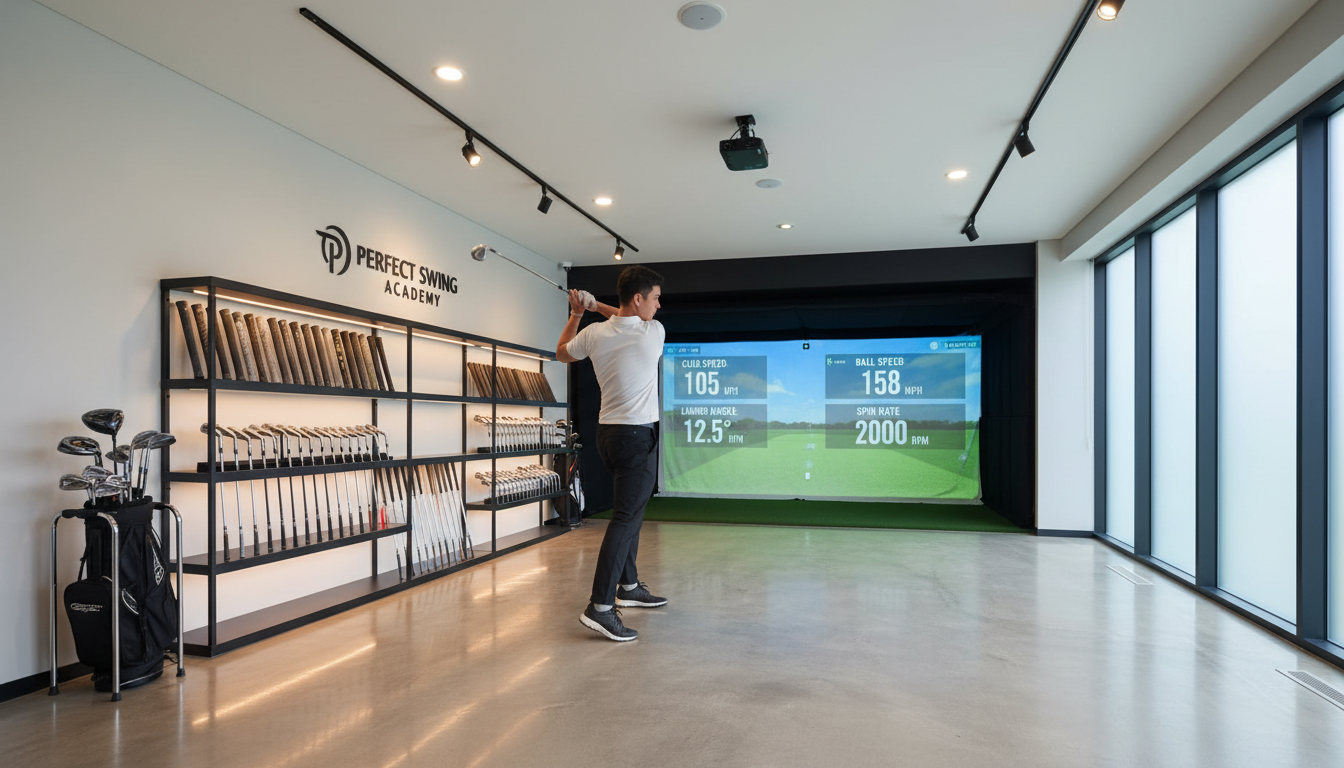
The next component is the projector and screen. A high-quality projector will ensure clear visuals, while a durable screen will withstand the impact of golf balls. Ensure the screen size matches your available space and that the projector offers sufficient brightness.

Setting Up the Space
Space Requirements
Find a suitable location with enough room to swing a club freely. Ideally, you need a space that is at least 10 feet wide, 15 feet long, and 10 feet high. This will prevent any accidental damage and ensure a comfortable playing experience.
Lighting and Flooring
Proper lighting is crucial for the best visual experience. Opt for ambient lighting that minimizes glare on the screen. Additionally, consider the flooring; a turf mat can provide a realistic feel underfoot and protect the floor.
Installation Process
Assembling the Frame
Begin by assembling the frame for the screen. Most simulators come with a frame kit that includes all necessary components. Follow the manufacturer's instructions carefully to ensure stability and safety.
Mounting the Projector
Mount the projector at an appropriate distance to project a clear image onto the screen. Adjust the focus and alignment as needed. Some systems offer wireless connectivity for ease of use.
Connecting and Calibrating
Once the hardware is set up, connect the simulator to your computer or mobile device. Install any required software and follow the on-screen prompts to calibrate the system. This step ensures accurate swing analysis and gameplay feedback.
Test the system by hitting a few balls and verifying that the data feedback corresponds with your actual swing. Make any necessary adjustments to the settings or equipment placement to optimize performance.
Conclusion
Setting up a mobile golf simulator can transform your practice routine, allowing you to enjoy golf anytime and anywhere. With the right equipment and a bit of effort, you can create an immersive and effective golfing experience. Happy golfing!